Voice notes
Capture a thought in your own words. Saved notes stay linked to their place in the PDF.
Record a voice note or bookmark a passage right where a thought happens. RoadNote turns text-based PDFs into books you can listen to, read, and pick up again on iPhone or CarPlay.
RoadNote is in beta as it prepares for its App Store release.
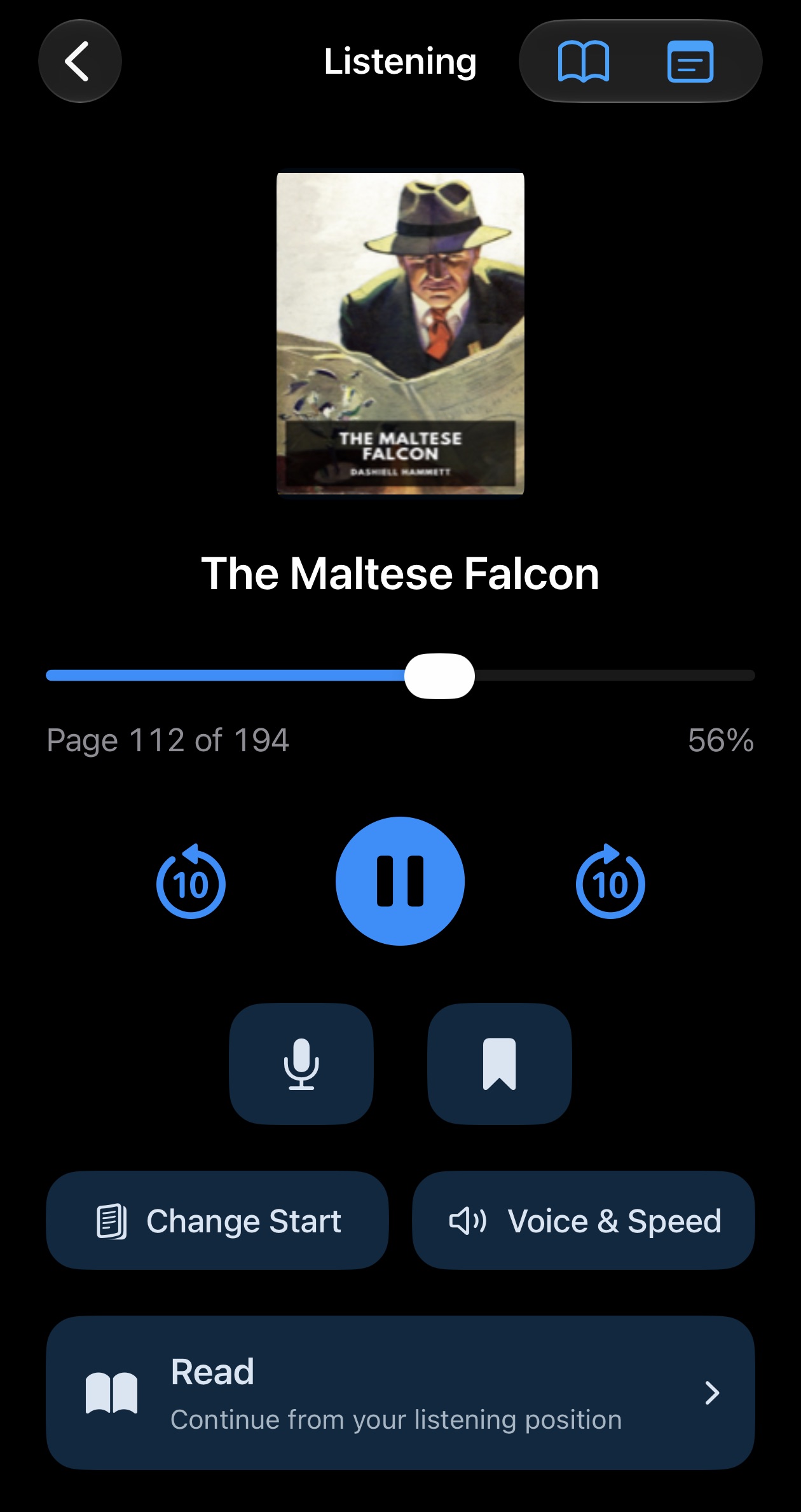
Connect to CarPlay and keep your hands on the wheel. The dashboard gives you the essential controls while RoadNote continues playing with your phone locked. Use the Lock Screen controls when you’re away from the car, too.
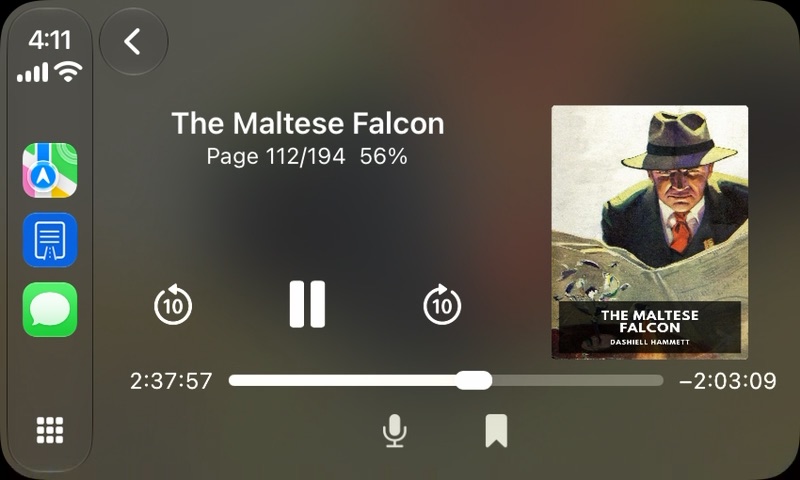
Capture an idea in your own words or save a passage to revisit. RoadNote remembers where you left off and keeps each note and bookmark linked to its place in the PDF.
Capture a thought in your own words. Saved notes stay linked to their place in the PDF.
Save a spot you want to find again and jump back to it later.
RoadNote suggests where the main text starts. Change the start page whenever you want; the opening pages remain available.
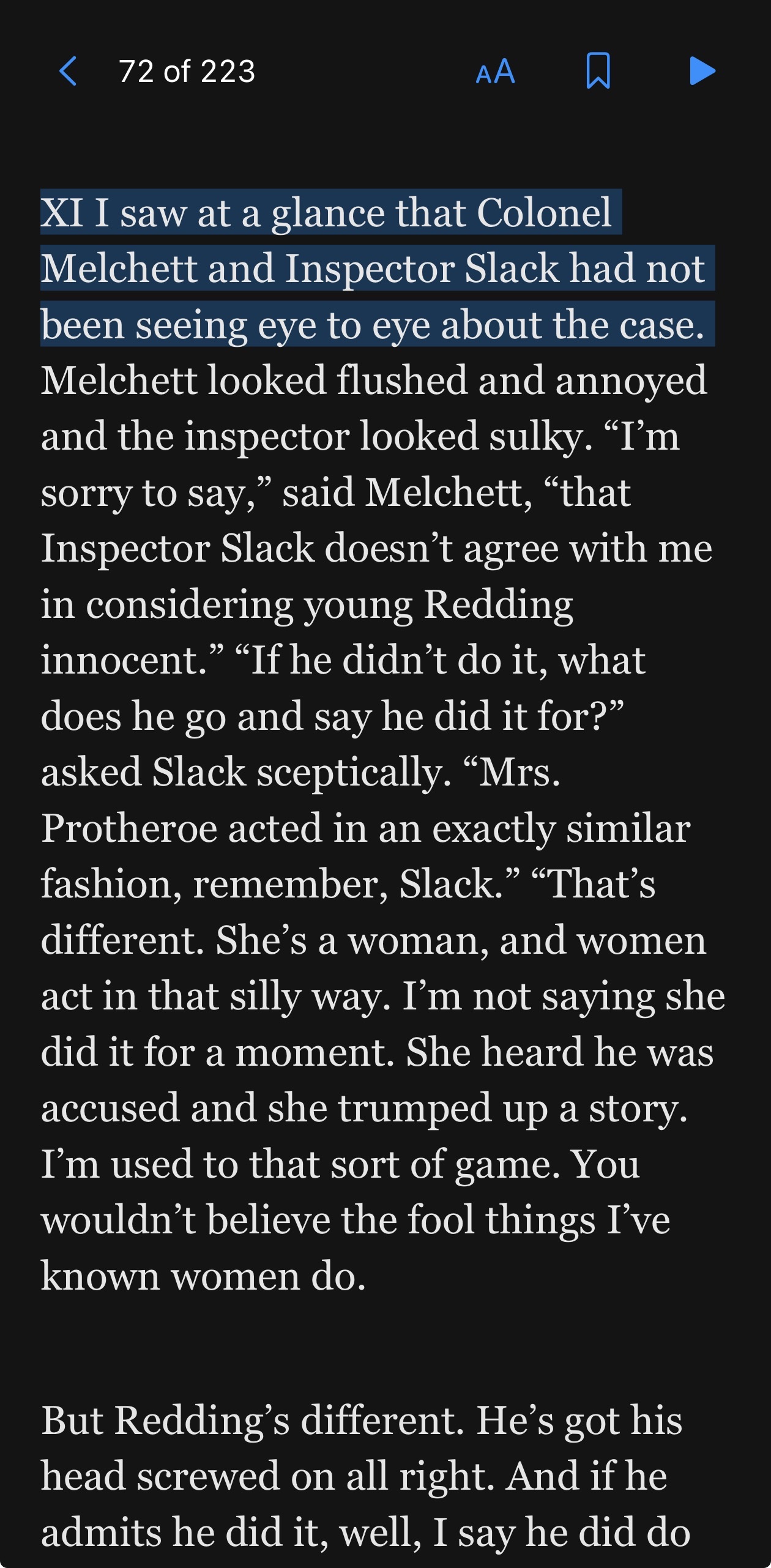
RoadNote keeps the audio and text together. Read along with the highlighted passage, tap any text to start listening there, or scroll to another section and continue from your new position.
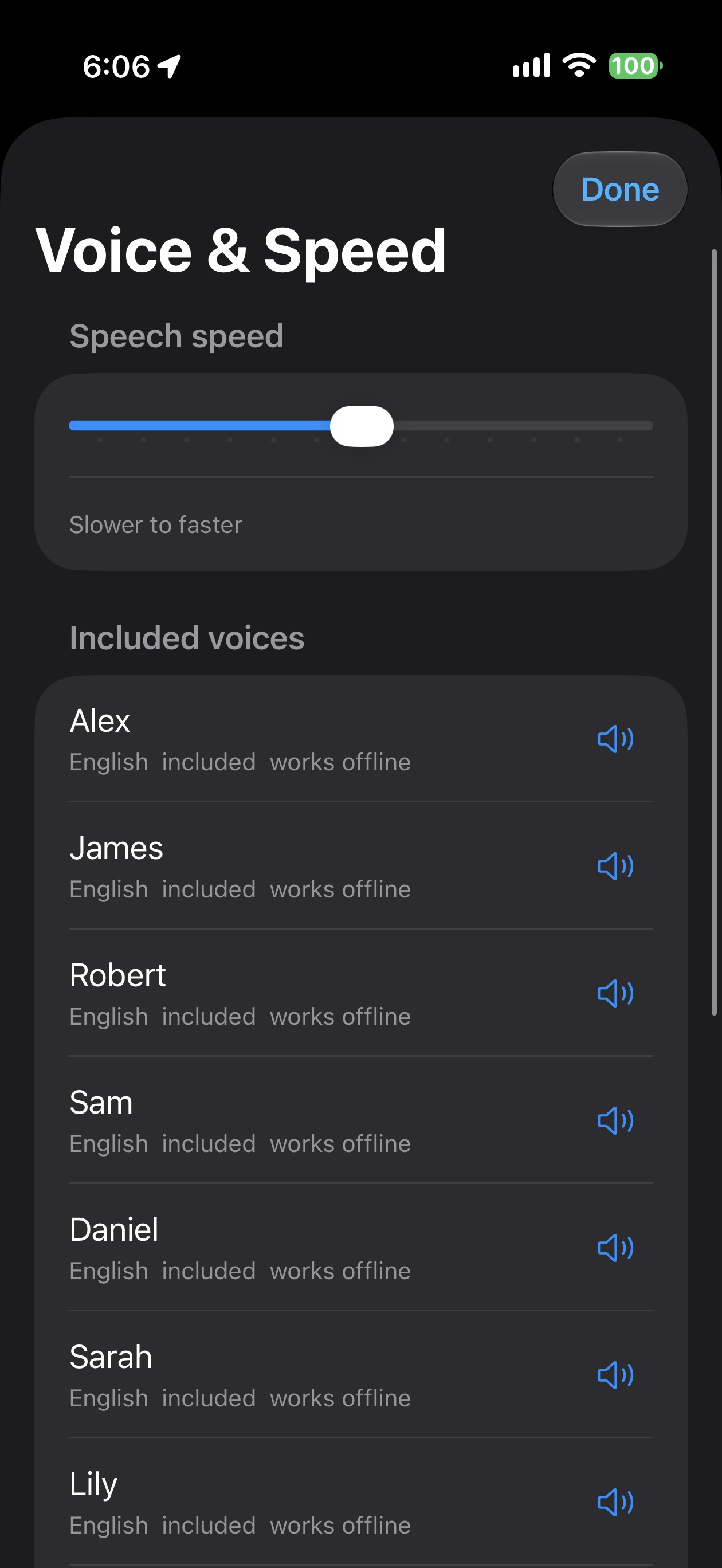
Choose from ten voices—five male and five female—and change the voice or playback speed even while listening. Emily is selected when you first use RoadNote.
Try the complete listening and reading experience before deciding whether you need more library space.
Listening, reading, CarPlay, bookmarks, and voice notes are included with your first three imported PDFs.
Unlock unlimited PDF imports and Markdown note exports with a one-time lifetime purchase.
RoadNote works with PDFs that contain readable text. Image-only scanned PDFs are not supported.
RoadNote is in beta while it gets ready for its App Store release. Check back for launch details.
Get in touch with DukeMade